IP Scanner

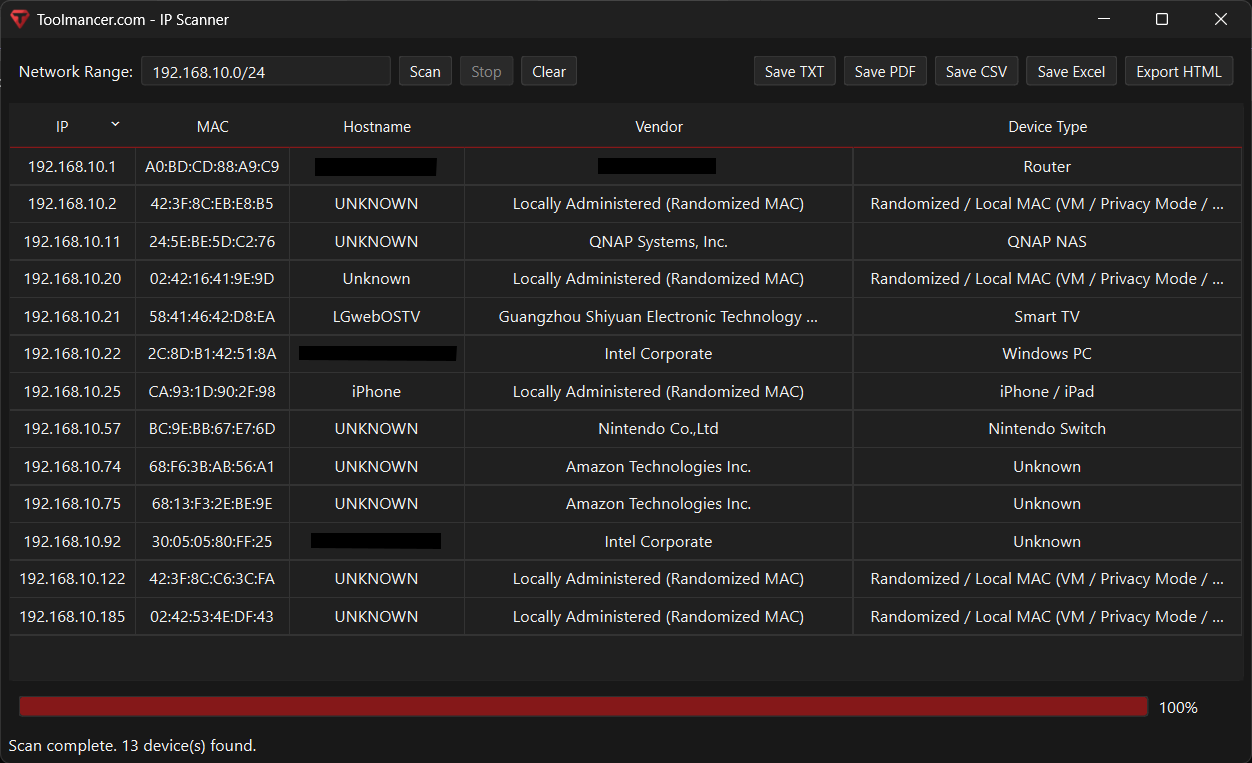
A network scanner that discovers devices on your local subnet and displays their IP, MAC address, vendor, hostname, and inferred device type, with multiple export options.

Windows
Platforms
v1.0
Latest Version
Downloads

How it works

Quick start

  1. Enter the network range you want to scan or use the one filled in for you.
  2. Start the scan to search your local network for active devices.
  3. The app checks for devices, then collects their IP address and MAC address.
  4. It also tries to identify the hostname, vendor, and likely device type for each one.
  5. Watch the results appear in a simple table as the scan progresses.
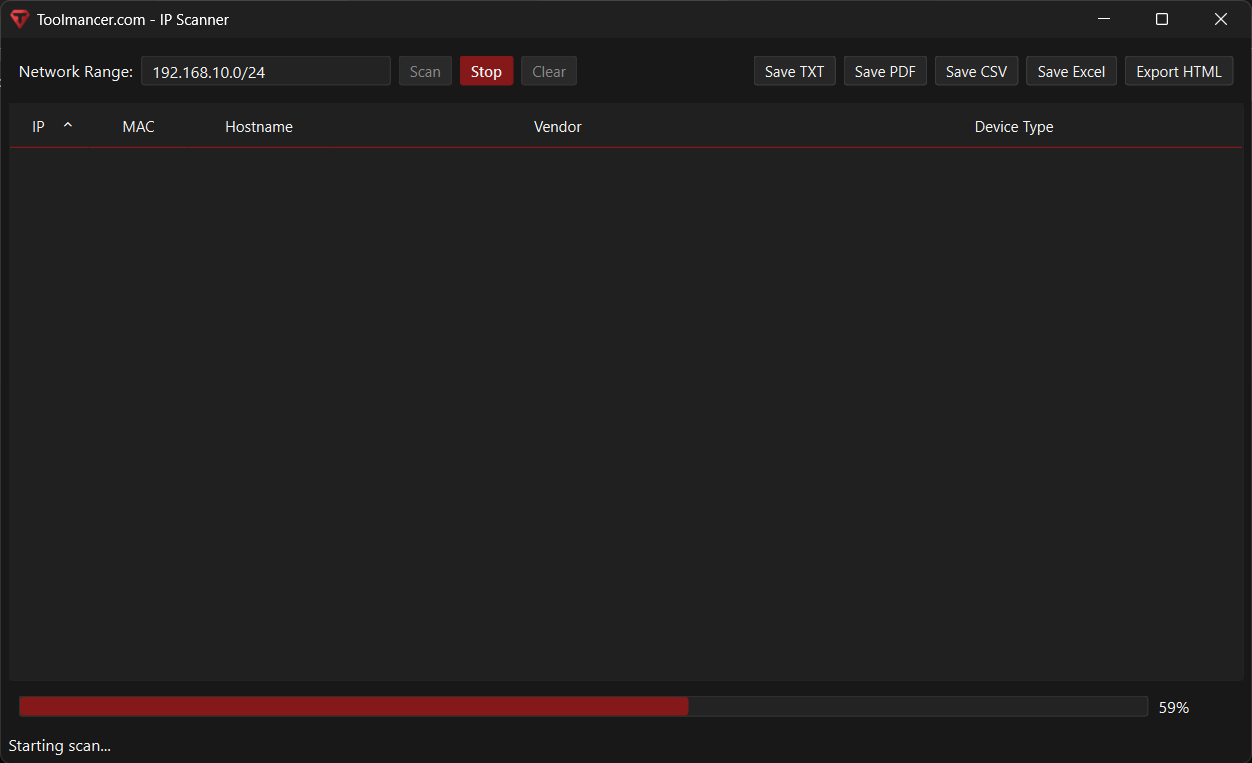
  6. Use the progress bar and status text to track how far the scan has gone.
  7. Stop the scan at any time or clear the list to start over.
  8. Save the results as TXT, CSV, Excel, PDF, or HTML when you are done.
Features

Automatic subnet detection

Pre-fills the scan range by detecting the active network interface and calculating the local CIDR range.

Fast device discovery (ARP + ping sweep)

Performs an ARP scan to quickly identify local devices, then runs a parallel ping sweep to improve coverage.

Vendor identification (offline-capable)

Downloads and caches the IEEE OUI database locally, then maps MAC prefixes to manufacturer names (with fallback if offline).

Device type inference

Uses vendor, hostname, and MAC characteristics (including randomized/local MAC detection) to label devices (e.g., PC, phone, router, IoT).

Responsive GUI with progress + stop control

Runs scans in a background worker so the interface stays responsive, showing progress percentage and allowing scans to be stopped.

Multi-format exporting

Exposes one-click export to TXT, CSV, Excel, HTML, and PDF for reporting or sharing scan results.

Screenshots

Screenshot 1

IP Scanner screenshot 1

Screenshot 2

IP Scanner screenshot 2

Screenshot 3

IP Scanner screenshot 3

Notes

Prerequisites

  • Administrator permissions may be required for full ARP-based scanning capabilities (depending on system configuration).
  • Network access is required only if you want vendor names to auto-update from the IEEE OUI list (it still works with cached/previous data).
  • ICMP (ping) allowed on the network for best discovery results (some networks block ping).
  • Limitations

  • Local-network only: Designed for scanning devices on the same subnet/broadcast domain; it won’t discover devices across routed networks without additional methods.
  • Results depend on network security settings: Firewalls, client isolation, VLANs, or blocked ICMP/ARP can reduce visibility.
  • Hostnames may be missing: Reverse DNS lookups often fail on typical home networks, so hostnames can show as “Unknown”.
  • Randomized/private MACs reduce accuracy: Devices using privacy MAC randomization can prevent reliable vendor/device identification.
  • Vendor database freshness: Vendor info can be outdated if the OUI list can’t be downloaded and refreshed.
  • Device type is best-effort: The “Device Type” label is heuristic-based and can misclassify uncommon devices or generic hostnames.
  • Changes

    History
    Updates
    Upcoming
    Planned